 ChristopheBoucaut
5.8 KiB
org.geneanet.customcamera
This cordova plugin is an alternative to the official cordova plugin (camera). It starts a custom camera: image overlay with an opacity slider, user-defined color of the buttons, activating/deactivating functions.
This plugin defines a global variable navigator.GeneanetCustomCamera.
Installation
cordova plugin add https://github.com/geneanet/customCamera.git
cordova build `platform`
Supported Platforms
- Android
Utilisation
Command
navigator.GeneanetCustomCamera.startCamera(options, onSuccess, onFail);
Parameters
{Object} options
An options object containing the parameters of the camera.
-
imgBackgroundBase64 : Overlay image. Should be in base64 format.
- Type :
string - Default :
null
- Type :
-
imgBackgroundBase64OtherOrientation : Alternative overlay image (when the device is on the other orientation that the start camera orientation). Should be in base64 format. If it is
null, we usedimgBackgroundBase64and we resized the image.- Type :
string - Default :
null
- Type :
-
miniature : Activate/deactivate the thumbnail option.
true: Activate option.false: Deactivate option.- Type :
boolean - Default :
true
- Type :
-
saveInGallery : Save picture to the camera gallery.
true: Activate option.false: Deactivate option.- Type :
boolean - Default :
false
- Type :
-
cameraBackgroundColor : Color of the camera button.
- Type :
string - Default :
"#e26760" - Notes :
- An incorrect value or a
nullvalue means a transparency effect. - See the
parseColor()method for the format of colors.
- An incorrect value or a
- Type :
-
cameraBackgroundColorPressed : Color of the camera button when it is pressed.
- Type :
string - Default :
"#dc453d" - Notes :
- An incorrect value or a
nullvalue means a transparency effect. - See the
parseColor()method for the format of colors.
- An incorrect value or a
- Type :
-
quality : Quality of the picture.
- Type :
integer - Default :
100 - Notes :
- A value between 0 and 100. An incorrect value means the default value.
- See the
compress()method for more informations.
- Type :
-
opacity : Activate/deactivate the opacity option for the overlay image.
true: Activate option.false: Deactivate option.- Type :
boolean - Default :
true
- Type :
-
defaultFlash : Default mode flash to use. See
CustomCamera.FlashModesfor corrects values.- Type :
integer - Default :
0
- Type :
-
switchFlash : Activate/deactivate the button to switch modes flash.
true: Activate option.false: Deactivate option.- Type :
boolean - Default :
true
- Type :
-
defaultCamera : Default camera used. See
CustomCamera.CameraFacingsfor corrects values.- Type :
integer - Default :
0
- Type :
-
switchCamera : Activate/deactivate the button to switch camera.
true: Activate option.false: Deactivate option.- Type :
boolean - Default :
true
- Type :
{Function} onSuccess
onSuccess is called when the shooting has succeed.
- Parameters :
- result :
- Type :
string - Note : Contains the picture in base64 format.
- Type :
- result :
{Function} onFail
onFailis called when the shooting has failed.
- Parameters :
- code :
- Type :
integer - Note : Contains the error code.
- Code "2" : Error while taking a picture.
- Code "3" : Camera closed before takin a picture.
- Type :
- message :
- Type :
string - Note : A error message.
- Type :
- code :
Constants
-
CustomCamera.FlashModes.DISABLE :
- Type :
integer - Value :
0
- Type :
-
CustomCamera.FlashModes.ACTIVE :
- Type :
integer - Value :
1
- Type :
-
CustomCamera.FlashModes.AUTO :
- Type :
integer - Value :
2
- Type :
-
CustomCamera.CameraFacings.BACK :
- Type :
integer - Value :
0
- Type :
-
CustomCamera.CameraFacings.FRONT :
- Type :
integer - Value :
1
- Type :
Implementation
Example
var base64 = "...";
navigator.GeneanetCustomCamera.startCamera(
    {
        imgBackgroundBase64: base64,
        saveInGallery: true,
        miniature: false,
        quality: 70,
        cameraBackgroundColor: "#ffffff",
        cameraBackgroundColorPressed: null
    },
    function(result) {
        window.console.log("success");
        $("#imgTaken").attr("src", "data:image/jpeg;base64,"+result);
    },
    function(code, message) {
        window.console.log("fail");
        window.console.log(code);
        window.console.log(message);
    }
);
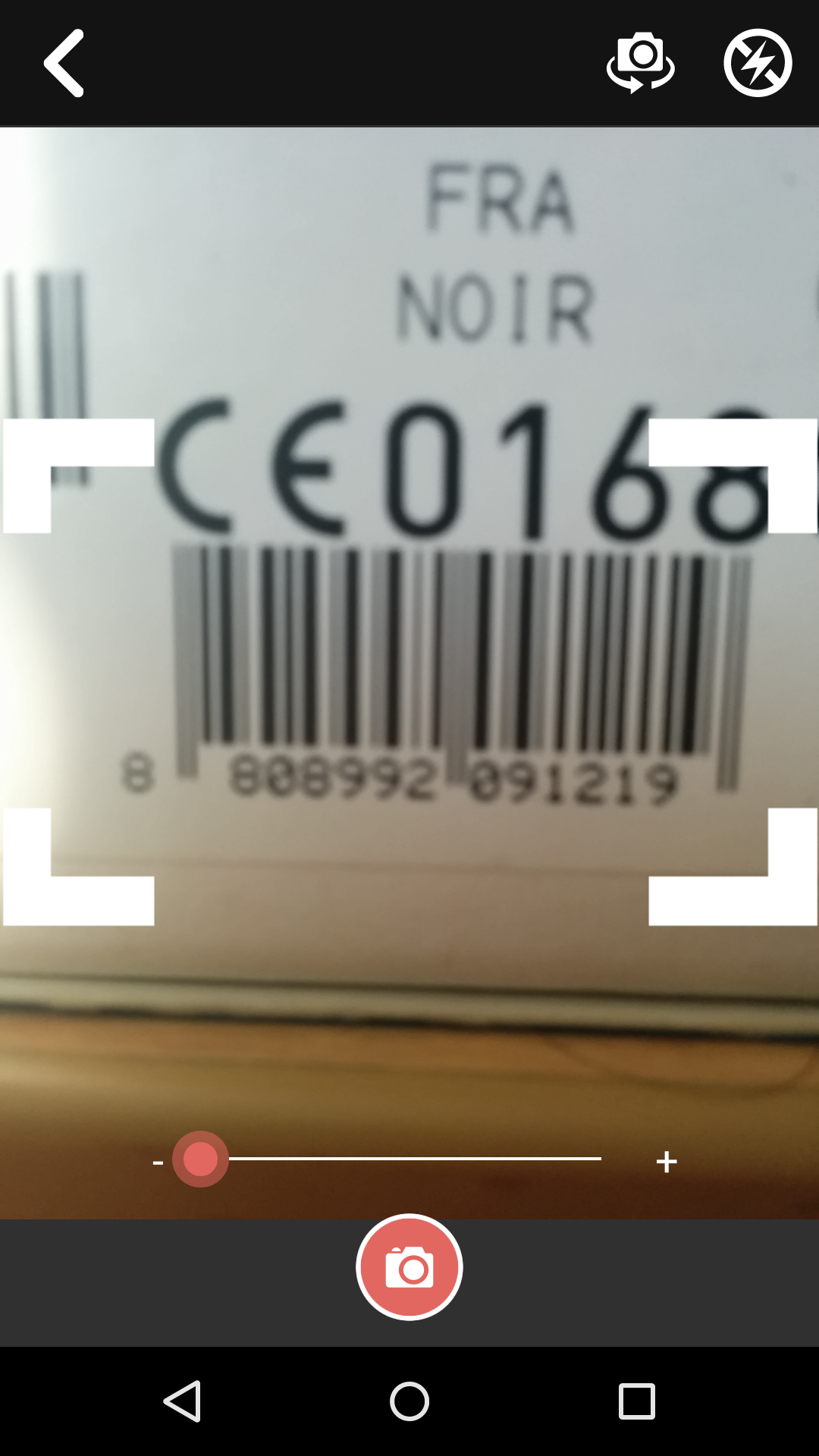
Barcode
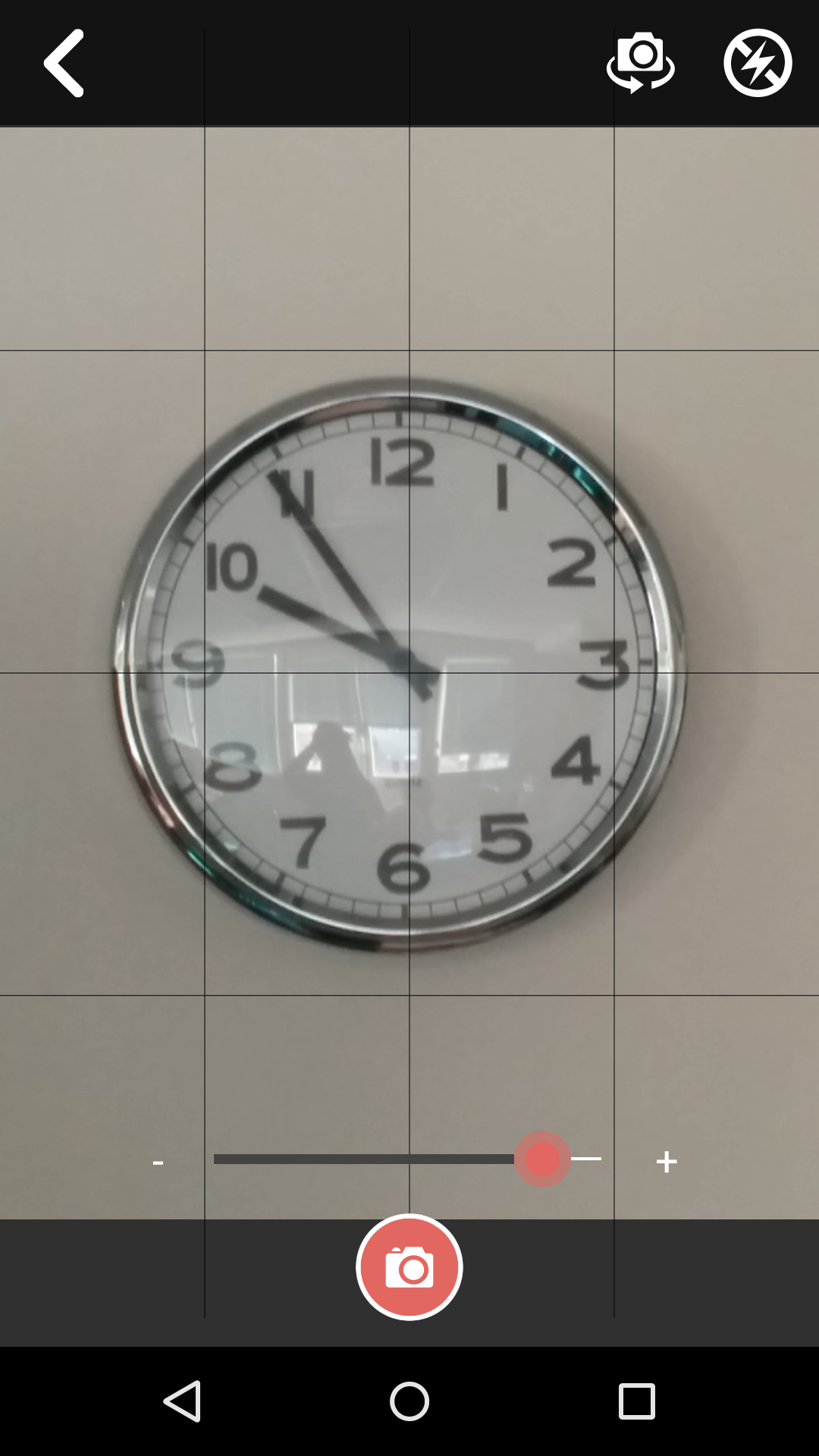
Grid
AngularJS
An implementation in AngularJS has been made for ease of use : $geneanetCustomCamera.
Contribute
To contribute to this project, please read the following :
- Bugs, suggestion, etc. : Must be declared in Github. Please search the threads before starting a new topic.
- Développement Javascript : Must compiles with JSHint coding rules.